BRICKS: FRONTLINE has free, 8-player multiplayer that runs straight in the browser. No accounts, no downloads, no lobby servers to find. Host a room and send a link.
How to start a match with friends
- Open the game and tap Multiplayer, then Host. Your room gets a five-letter code.
- Tap Invite friends and send the link: WhatsApp, Messenger or any chat app. The link preview shows the game.
- Friends tap the link and land in your room. They can also open the game and type the code.
- Pick the map and rules in the Deploy tab, then start. Bots fill every empty slot.
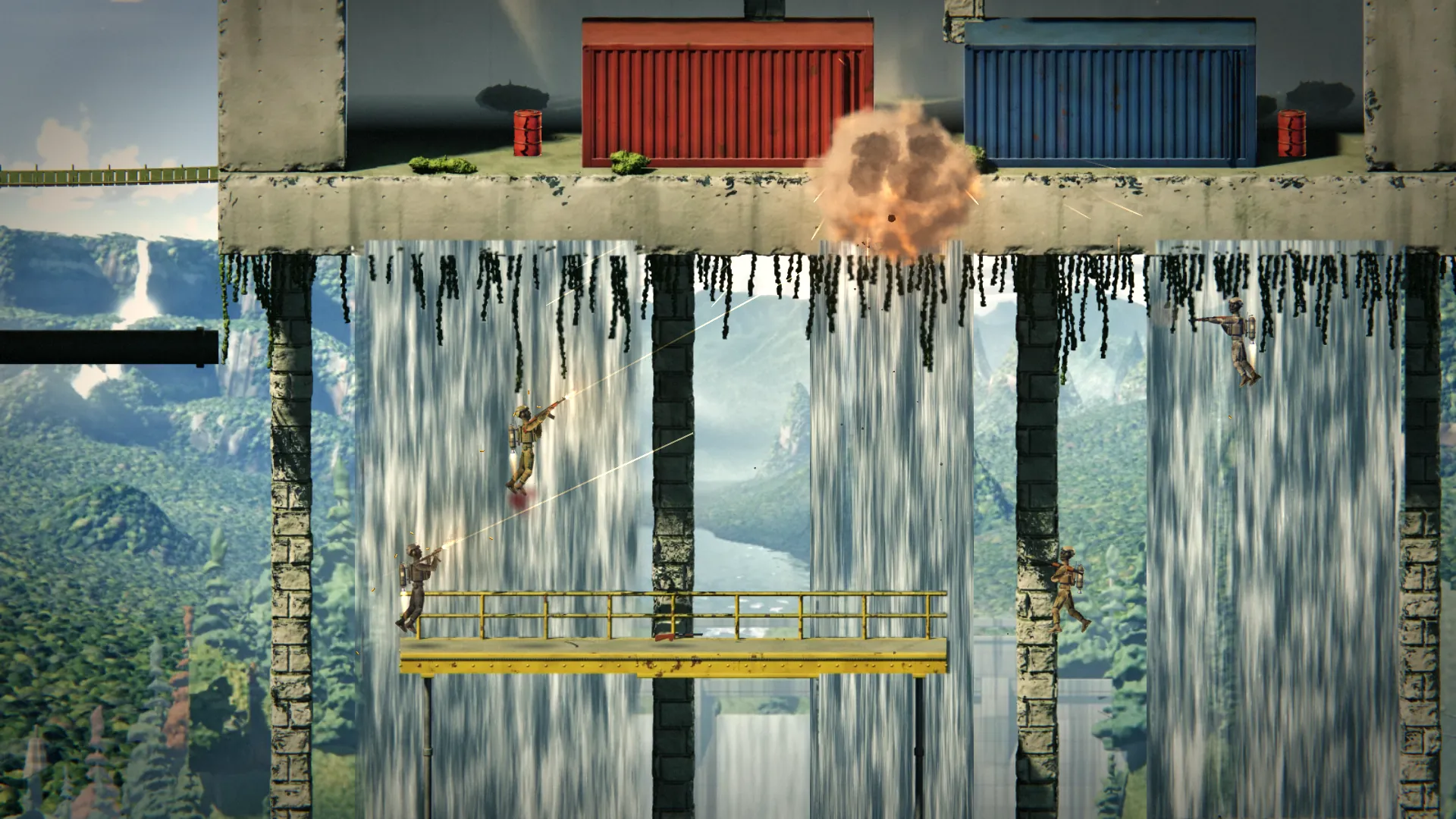
Game modes and rules
- Free-for-all and Team Deathmatch.
- Score limits from 5 to 100 kills, time limits from 3 to 20 minutes.
- Bots on Recruit, Regular or Veteran: jetpack-aware pathfinding, reaction time and aim that scale with difficulty.
- Two maps: Dustline Dam and Cascade Works.
Same room, hotspot or across the internet
The host's device runs the match and every player connects to it directly, peer to peer. On a shared Wi-Fi or a phone hotspot the game traffic never leaves the room, which makes it perfect for classrooms, hostels and bus rides. Over mobile data, a relay steps in automatically when a carrier blocks direct connections.
Questions
How many players can join?
Up to 8 players per match. Bots fill any empty slots, and if someone disconnects a bot takes over their soldier.
Do my friends need an account or an app?
No. They tap your invite link and the game opens in their browser. Nobody needs an account or an install.
Does it work if we are not on the same Wi-Fi?
Yes. Players connect directly when they can, on the same Wi-Fi, a phone hotspot or over the internet, and a relay steps in automatically on networks that block direct connections.